Find
Direct requesters to suppliers and items relevant to their scope.

SUPPLIER CATALOGUES · HOSTED & PUNCHOUT
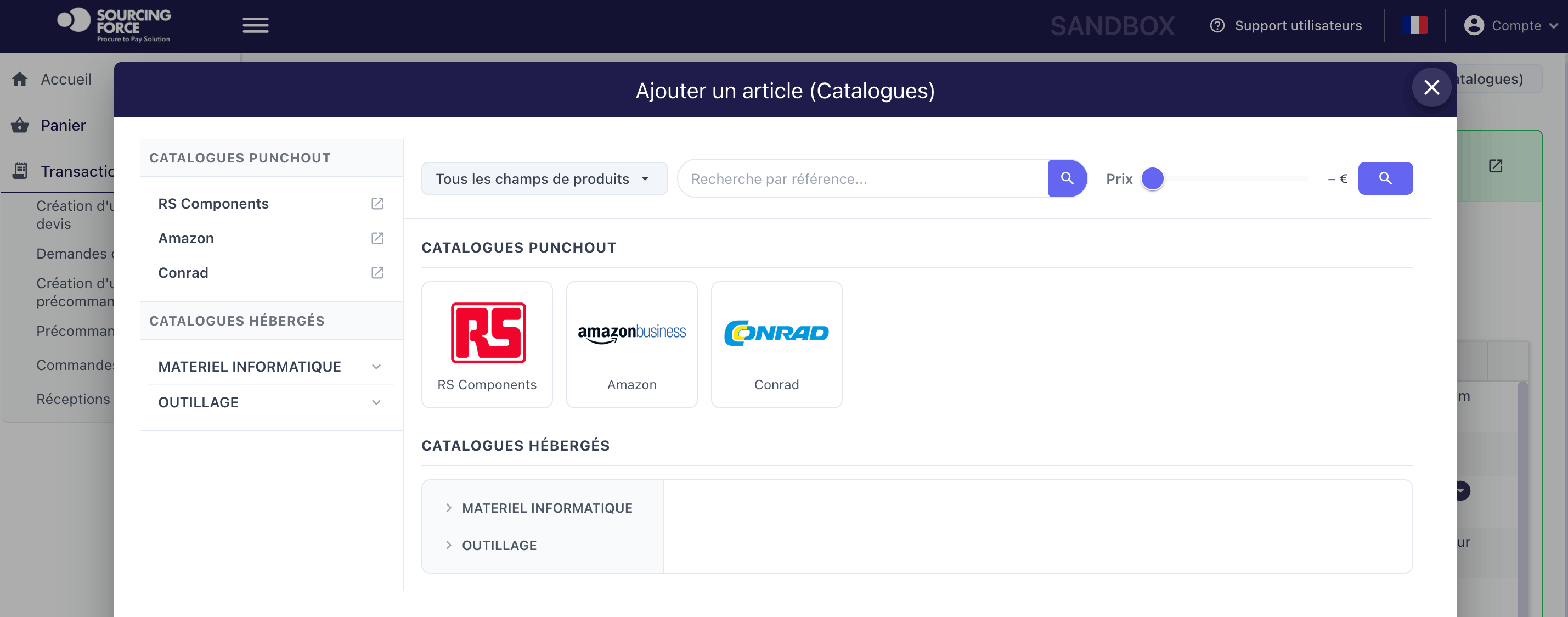
Bring item selection into one interface. Users access the catalogues they need; their cart enters the purchasing workflow connected to your ERP or S2P.


 Your catalogue hubGuided selection
Sourcing Force + Buy Made Easy
Users lose time switching between online stores, quotes and previously negotiated product references.
Sourcing Force brings hosted and PunchOut catalogues into a portal connected to your ERP’s ordering workflow. In US procurement, the latter is also called a “punchout catalog”.
With Buy Made Easy as your single supplier, one-off purchases assigned to the service are handled through one commercial contact.
Inside Sourcing Force
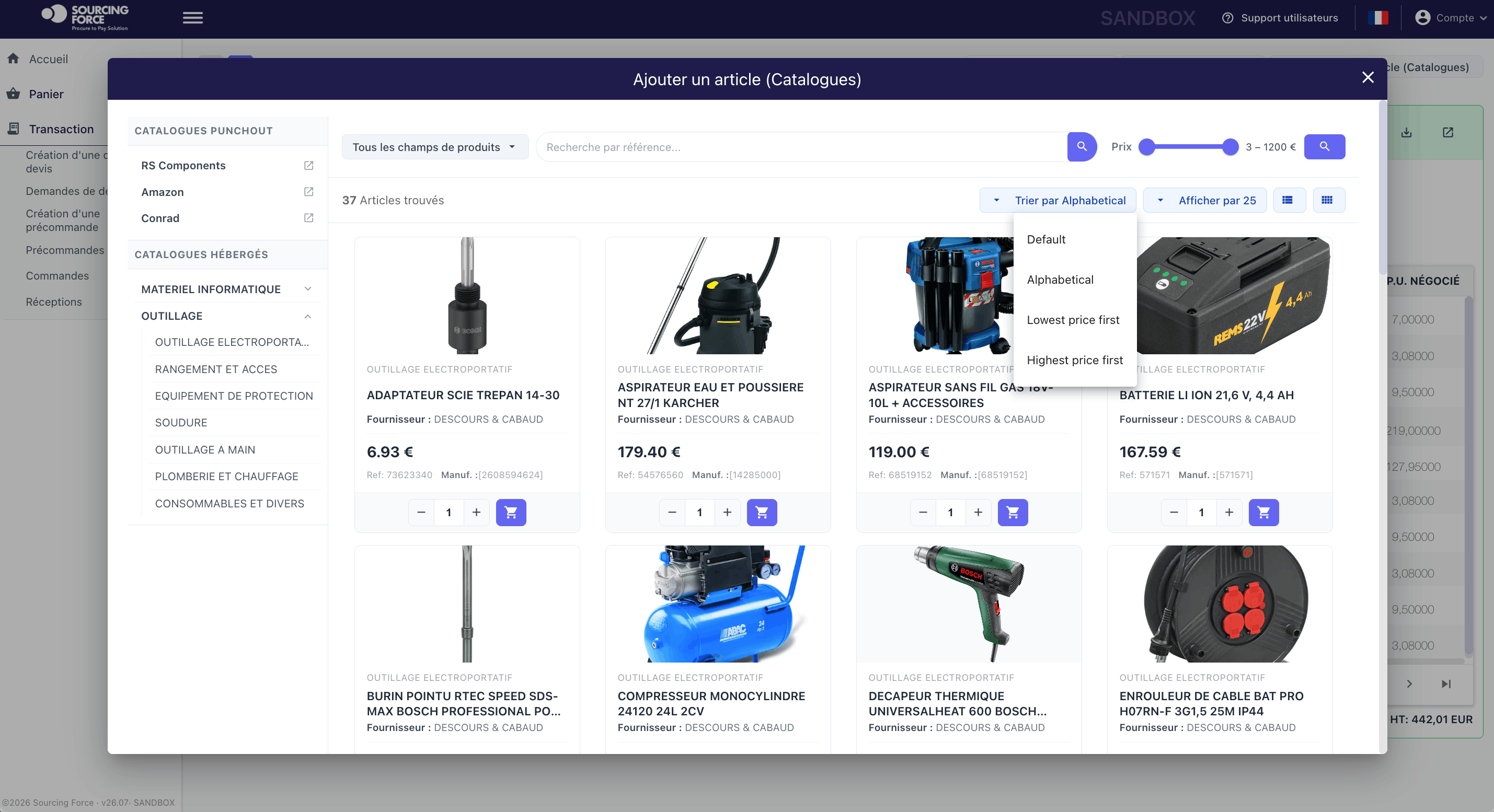
Bring access together
Separate accounts, repeated searches and rekeying complicate recurring purchases. A shared point of access helps users follow the process chosen by procurement.
Direct requesters to suppliers and items relevant to their scope.
Pass cart data through without manually rebuilding each line item.
Bring selected items into the approval and commitment process.
Your private B2B marketplace
Catalogues can be a standalone offering, with or without BME outsourcing.
Hosted cataloguesAccess, selection and preparation
Approvals, commitments and ordering
Cart return →Choose the right access method
Items are prepared and available to browse in Sourcing Force. The requester selects product references within the application.
Define: product references, prices, units and responsibility for updates.
With a PunchOut catalogue (or “punchout catalog”), the requester opens the supplier’s website, builds a cart and returns it to the purchasing workflow.
Define: account access, returned data and end-to-end testing.
The requester's process
Your ERP/S2P controls approvals and ordering.
Open Sourcing Force from your procurement environment.
Build a cart in a hosted catalogue or on the supplier's website.
Send the cart and agreed data back to the system of record.
Apply the ERP/S2P's approval, allocation and spending commitment rules.
The full cost of an order · BME
Before
€189.84161 minutes / orderWith Sourcing Force / BME
€5850 minutes / order111 minutes and around EUR 130 saved per class C order in the BME model.
Making adoption work · PwC, 2024
Respondents cite clearly defined requirements and processes among the success factors for a digital procurement project.
Global survey: 1,000 respondents across 58 countries. Three responses possible. Report, pp. 4 and 10.
Read the PwC study ↗The BME catalogue ecosystem
Find catalogues relevant to your purchasing categories and sites.

Keep catalogues working
Define an initial scope, test it with your teams, then expand based on actual use.
Product references, units, categories and prices: assign responsibility for preparation and updates.
For each PunchOut catalogue — also known as a “punchout catalog” — check the supplier account, authorised users, cost allocations and cart return.
Track completed requests, reworked carts and error causes. Make help accessible to users.

A workflow connected to the ordering system
Since 2021, BME has supported Accor's head office with digital procurement outsourcing and catalogues accessible from its ordering system. The aim: fewer new supplier records and a simpler user experience.
Read the BME customer story (French) ↗
Your next step
Let's discuss your class C purchases and how your organisation works.
Estimate your potential savings for free.
New content
A practical method to improve eligible assortment, content quality and guided-buying adoption, with controls, metrics, ownership and implementation steps.
 Scope your Amazon Business PunchOut connection ↗